Helpdesk
Who can use this feature?
- Helpdesk is in early access. Request early access (opens in a new tab) and we turn it on for your store.
- Once Helpdesk is on for your store, it works on every plan
- You see Helpdesk when your role can view tickets
Helpdesk tracks a customer request as a ticket. You work the ticket in Helpdesk, turn an Inbox conversation into a ticket, or turn incoming email into tickets.
How to request early access
We open Helpdesk to stores in batches. Until it is on for your store, Chatty shows an early access page instead of Helpdesk.
- Open Chatty. On Home, find the Helpdesk early access card in New in Chatty.
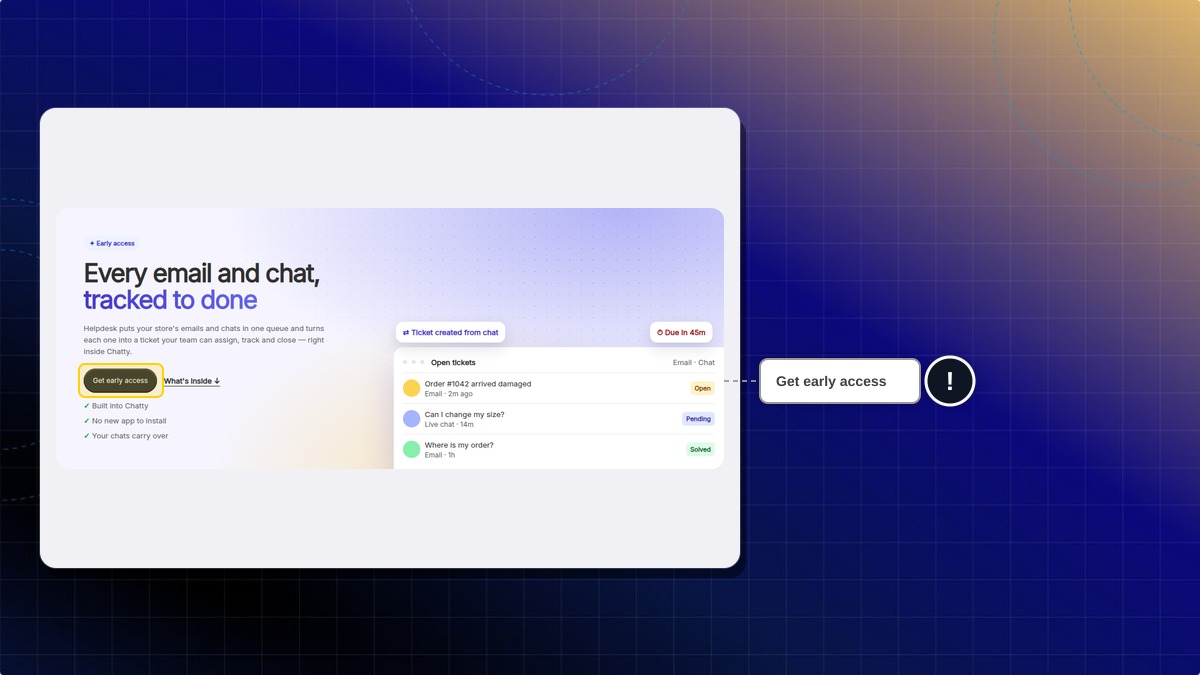
- Click Get early access.
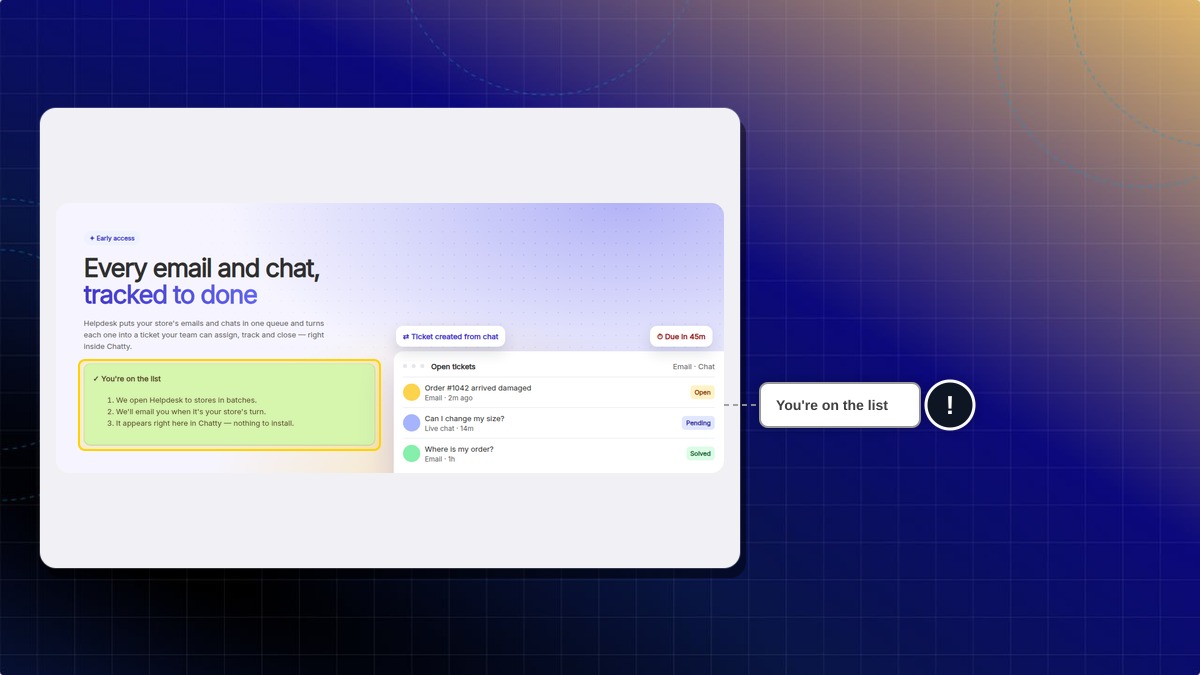
Expected result: Chatty shows "You're on the Helpdesk waitlist", and the card leaves Home.
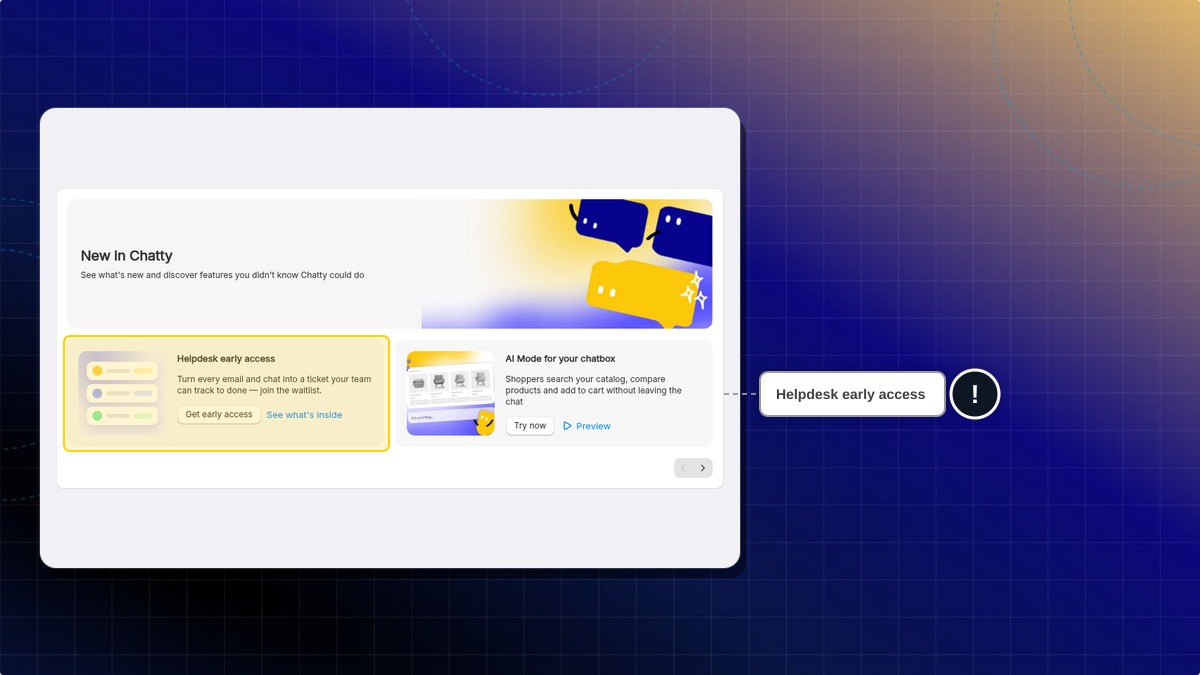
You can also click See what's inside to open the early access page, then click Get early access there.
Expected result: The early access page shows You're on the list. When Helpdesk is on for your store, it shows in Chatty, with nothing to install.
You can also request early access (opens in a new tab) on our website.
Why don't I see the Helpdesk early access card?
The card hides once you have joined the list, or once Helpdesk is on for your store.
How to open Helpdesk
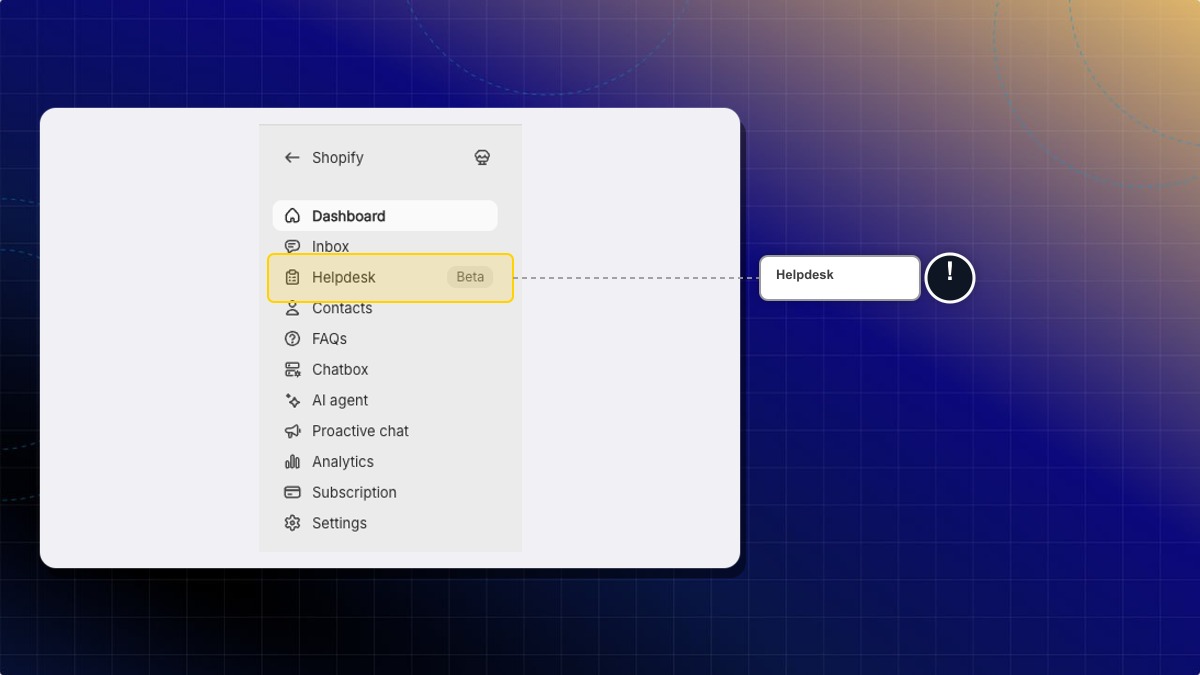
- In the Chatty web app, click Helpdesk in the left navigation. The Chatty menu inside Shopify admin has no Helpdesk item.
Expected result: Helpdesk opens for the store you are working in. Start in Inbox.
You can also click Open in Helpdesk in Inbox, or View AI Feedback in Helpdesk on the AI agent page.
Tickets
Reply
From a conversation
 Chatty Help Center